

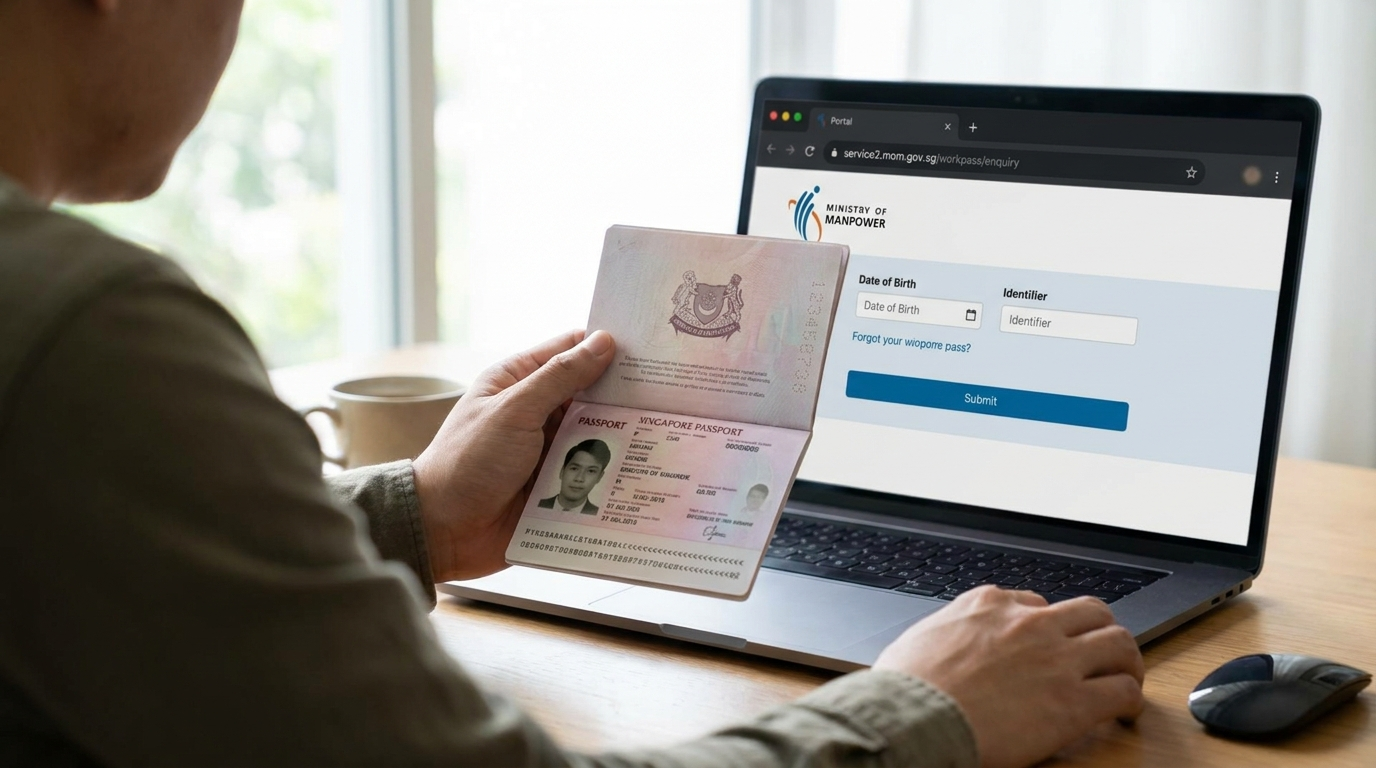
The Work Permit is the only major MOM pass that does not have a worker-facing application portal. The employer files it through the Work Permit eService on myMOM Portal, and the worker mostly waits for the agent or HR to relay the result. That gap is the main reason people end up frantically Googling at week four when nothing has come through.
This guide walks through the public MOM Check Work Pass enquiry portal, the SGWorkPass app, what each status label means, and what to do when the application sits longer than it should. It sits under the wider Singapore visa and pass status guide and the Singapore PR, LTVP and work passes pillar.
The public Check Work Pass enquiry portal
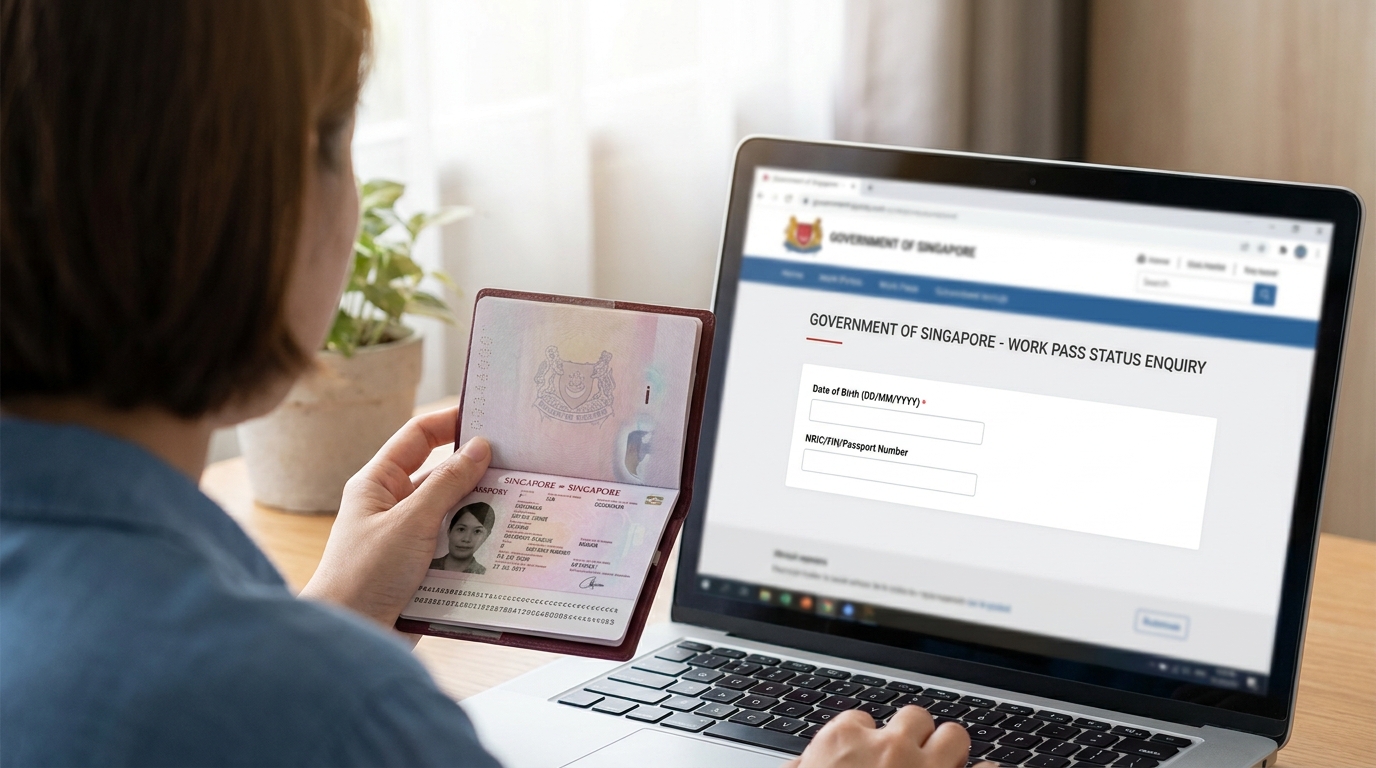
The portal lives at service2.mom.gov.sg/workpass/enquiry. No login is needed, no Singpass, no EP Online account. Anyone with the right two inputs can check.
You enter date of birth in DD/MM/YYYY format, plus one of two identifiers. If a FIN has already been issued, use the FIN. If not, use the passport number that was on the original application. The portal returns the status of any work pass application filed in the last six months, including Employment Pass, S Pass, Work Permit, Dependant’s Pass, and the LTVPs issued by MOM.
This is the same portal employers and employment agencies use to verify pass validity. The worker is allowed to use it for their own application, and the result is the same.
What you need from the employer or EA
The portal works with either the FIN or the passport number. For a brand new applicant, no FIN exists yet, so the passport route is the one that matters. Two things help: the passport number must be exactly what was on the application (a renewed passport mid-application will not match), and the date of birth must be in the DD/MM/YYYY format the system expects.
If you do not have a copy of the application, ask the employer or the employment agency for the application acknowledgement, which carries the application number and the registered passport details. A licensed Employment Agency is required to keep copies. If they will not share it, that is itself a useful signal.
What each status label means
The portal returns a short text status. The labels you are most likely to see, and what each one means in practice:
Application Received — MOM has the application but has not started assessing it yet, or is still in the early stages of assessment. For straightforward Work Permits this usually clears within a day, and the realistic window for a clean decision is one to seven working days.
Approved In Principle — MOM has approved the application in principle. The IPA letter goes to the employer, who must then complete medical examination, security bond, and insurance steps before the actual pass is issued. The validity of a Work Permit IPA is stated in the letter itself, and can be extended once for up to a month if more time is needed.
Issued — the physical or digital Work Permit has been produced. The worker can now download it through the SGWorkPass app or collect the card depending on the issuance route.
Rejected — the application has been declined. The written notice goes to the employer, who is the named party on the application. Workers should ask the employer for that notice; the portal does not give detailed reasons.
Withdrawn — the employer cancelled the application before a decision. Common where the candidate changed mind, the role was filled by someone already in Singapore, or the company hit its dependency ceiling and pulled the file.
Status sitting on Application Received past the one-week mark and no one is telling you why? Send us the application number and the date filed and we will read the situation, including what HR usually has to do next.
The SGWorkPass app: useful after the pass is issued
SGWorkPass is MOM’s official mobile app, free on the Apple App Store, Google Play, and Huawei AppGallery. It is the better tool once the Work Permit is in hand, less useful while the application is pending.
For pass holders, the app shows the digital Work Permit, salary records for Work Permit holders, and notifications from MOM. The digital pass replaces the need to carry the physical card in most situations. For employers, employment agencies, and anyone verifying a pass, the app scans the QR code on the back of a physical work pass card or on the digital pass to confirm validity.
If a QR code cannot be scanned, the app routes back to the Check Work Pass status page. The two systems are designed to work together.
MOM EP Online and the Work Permit eService: the employer-side view
Workers do not see the full picture; the employer does. The application itself is filed through the Work Permit eService on myMOM Portal, which is for employers and licensed Employment Agencies. After submission, employers can see detailed status, any document requests from MOM, the IPA letter, and the post-IPA checklist.
If the public enquiry portal is silent past a week, the answer is usually inside the Work Permit eService on the employer’s side. MOM often asks for additional information by email to the registered HR address, and a missed email is the most common reason an application appears to stall. Before assuming MOM is the bottleneck, confirm with the employer that no follow-up requests have come in.
For Employment Pass and S Pass applications, the equivalent employer portal is EP Online. The structure is similar: workers see headline status through the public enquiry portal, the employer sees the full case file inside the eService.
When status is stuck past four weeks
A clean Work Permit decision normally lands inside a week. Three weeks is the longer end. Four weeks without movement is worth investigating, but not by refiling.
Most stalled cases fall into three groups. The first and most common: MOM has asked for additional information and the request is sitting unread in the employer’s HR inbox. The second: the worker’s source country requires extra clearance steps that have not been completed. The third, and least common, is a genuine queue delay during peak periods.
The right sequence is employer first, then EA, then MOM. Ask the employer or HR contact whether anything is open in the Work Permit eService on myMOM Portal. If yes, action it and the status moves. If the employer confirms nothing is pending on their side, check with the licensed EA on the source-country documents. Only after both routes are clear is it useful to escalate to MOM. Filing a duplicate application almost never helps and can confuse the queue position of the first file.
Work Permit, S Pass, and EP: the same portal, different timelines
The same Check Work Pass enquiry covers all three pass types, but the realistic timelines are different.
Work Permits are the quickest in straightforward cases, with the IPA usually issued in one to seven working days. The S Pass sits in the middle, typically around three weeks. The Employment Pass is the slowest by published guidance: MOM states an online application is processed or given an update within 10 business days, and the timeline may run longer if MOM asks for additional documents. Manual applications from overseas companies without a Singapore-registered entity are quoted at around six weeks.
The post-IPA steps also differ. Work Permits and S Passes require the standard medical examination, security bond (Work Permit only), and insurance before the card is issued. Employment Passes skip the security bond but still need the worker to be in Singapore for biometrics and pass collection.
If you are checking on a citizenship case rather than a work pass, our check citizenship application status guide walks through the MyICA route, which is a different system.
What a “Rejected” status actually means and what comes next
A declined Work Permit application is not the end of the line, but it changes the next steps. MOM sends the written notice to the employer, who is the named applicant. The worker themselves does not receive a separate explanation through the portal.
Common reasons: the employer hit a sector quota or dependency ratio ceiling, the salary offered did not match the role, the source country was not on the approved list for that sector, or the supporting documents did not clear MOM’s checks. Some of these can be addressed by the employer adjusting the application; some require waiting for a quota refresh or restructuring the role.
A worker who has been declined cannot independently appeal. The employer is the only party MOM will engage with. The practical move is to ask the employer for the written notice, understand the reason, and decide together whether to refile, switch to a different role, or look at a different pass type.
Application sitting at Application Received for weeks or just been declined and not sure what the employer’s next move should be? Send us the application number and what the portal shows and we will explain the realistic next step, including whether a refile is worth filing.